
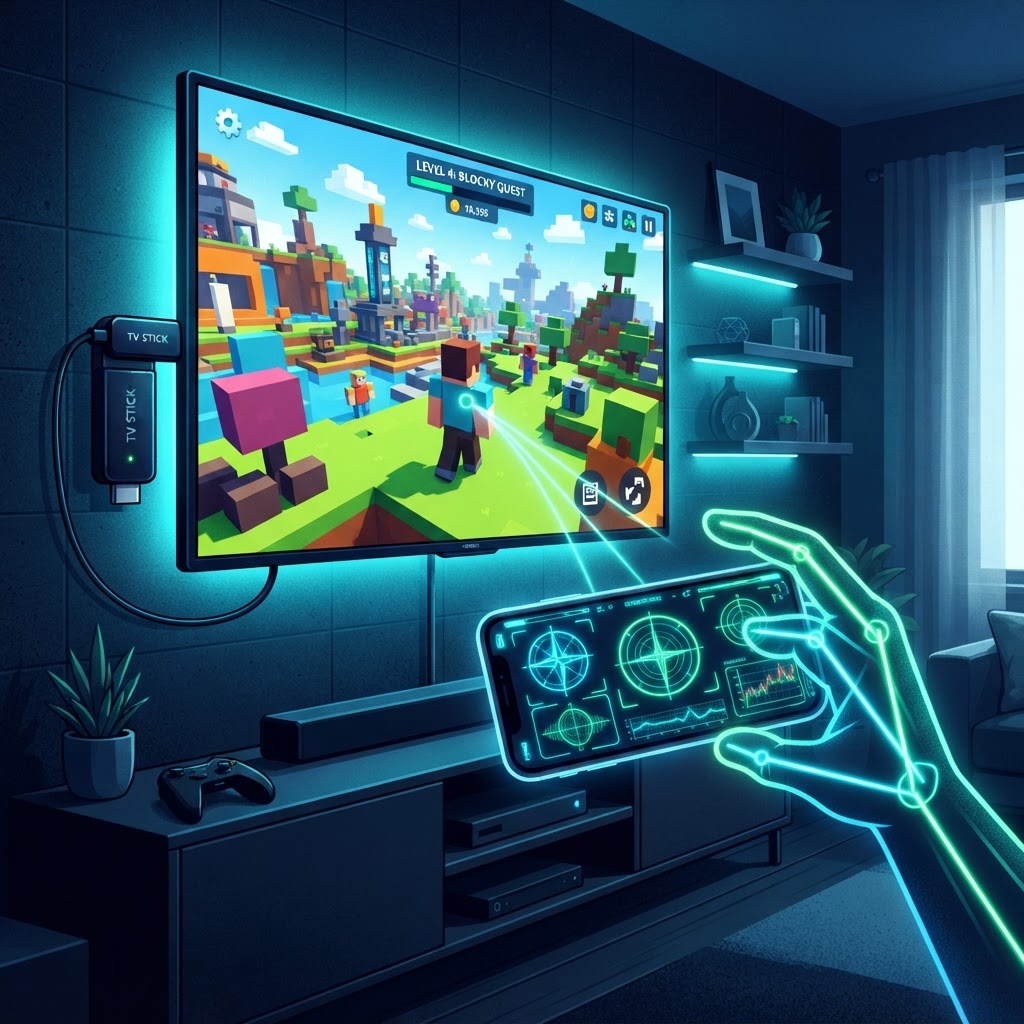
A $25 streaming stick is, on paper, the worst possible target for a multiplayer, physics-driven, motion-controlled game. Most low-cost Connected TVs run an embedded Chromium WebView on under 1 GB of RAM with an integrated GPU that would embarrass a 2012 phone. Trying to run a Roblox-like world on that hardware the obvious way — physics, rendering, input, and networking all on the box — is how you ship a slideshow.
The trick is to not do it the obvious way. With Three.js on the TV and an asymmetric client model that moves every heavy job to the device best suited for it, a budget CTV becomes a perfectly good display layer for a real game.
1. Split the screen, split the workload
The core insight: the TV does not have to be the computer. It only has to be the screen.
- The TV is display-only. A lightweight Three.js renderer runs inside the CTV's WebGL container, doing interpolation and drawing. No physics, no state authority, no input parsing.
- The phone is the controller. Players scan an on-screen QR code and open a web app that uses the phone's gyroscope, accelerometer, and touch as a motion controller. The most powerful computer in the room is already in everyone's pocket — use it.
- Real-time sync over WebRTC. Peer-to-peer DataChannels (or ultra-low-latency WebSockets) relay controller input straight into the game session, bypassing the round-trip that would otherwise dominate the feel.
The TV stops being a bottleneck the moment it stops being asked to think.
2. Three.js, optimized for a memory budget
Roblox's blocky, modular aesthetic is not just a style choice here — it is a memory strategy. A voxel world and a cast of blocky avatars can live inside an 80 MB footprint if you are disciplined about how they reach the GPU.
One geometry, thousands of instances
Never load a mesh per limb or per terrain block. THREE.InstancedMesh lets a single 12-triangle cube render an entire world and every character in one draw call, with per-instance transformation matrices. InstancedBufferAttribute tints each block and avatar without spawning new materials.
// One draw call for thousands of avatar blocks and terrain voxels
const geometry = new THREE.BoxGeometry(1, 1, 1);
const material = new THREE.MeshLambertMaterial({ vertexColors: true });
const voxelWorld = new THREE.InstancedMesh(geometry, material, 5000);
scene.add(voxelWorld);
Textures, or the absence of them
Uncompressed textures will saturate WebView VRAM faster than anything else. Two approaches keep you safe:
- A 1×256 palette atlas. Replace textures with a single one-pixel-tall color gradient and map it across all UVs. You get every color you need for a blocky world in essentially zero memory.
- KTX2 / Basis Universal when you genuinely need decals. GPU-compressed formats (ETC1S or UASTC) keep VRAM flat on upload instead of spiking on decompression.
Ruthless disposal
CTV WebViews do not garbage-collect WebGL resources aggressively. Every dynamically created mesh, particle, or avatar must be torn down explicitly, or the memory you saved with instancing leaks back out one frame at a time.
function cleanupEntity(mesh) {
  mesh.geometry.dispose();
  if (Array.isArray(mesh.material)) {
    mesh.material.forEach(m => m.dispose());
  } else {
    mesh.material.dispose();
  }
  scene.remove(mesh);
}
3. Physics does not belong on the TV
Running a real solver — Rapier, Ammo.js, Planck — on a low-end CTV CPU will choke the render thread and tank the framerate. Move it where it belongs:
| Layer | Responsibility | Stack | | --- | --- | --- | | Server / cloud node | Authoritative physics, hitboxes, multiplayer state sync | Node.js + Rapier / Planck.js | | Mobile web app | Gyroscope and accelerometer parsing, swipes, haptics | Web DeviceMotion API | | CTV WebView | Interpolated rendering, local particles, audio | Three.js (WebGL 2) |
The TV interpolates between states the server already validated. The phone is an input device. The server is the only thing that knows the truth. Each layer does the one job it can do well.
4. A rendering budget the hardware can actually meet
- Fixed resolution scaling. Render the 3D canvas at 720p and let CSS upscale to 1080p or 4K. Fill rate is the cheapest thing to buy back.
- No dynamic shadows. Disable real-time directional shadow maps. Use vertex-colored ambient occlusion and cheap blob-shadow quads under characters instead.
- Draw calls under 50. Batch static scene meshes so the GPU never sees more than a handful of state changes per frame.
None of this is glamorous, but glamorous does not run on a streaming stick. Pair the casual, block-based charm of a Roblox-style world with Three.js instancing and phone-based motion controls, and a $25 stick becomes a multiplayer console — no expensive hardware, no heavy app download, and no excuse left not to ship.